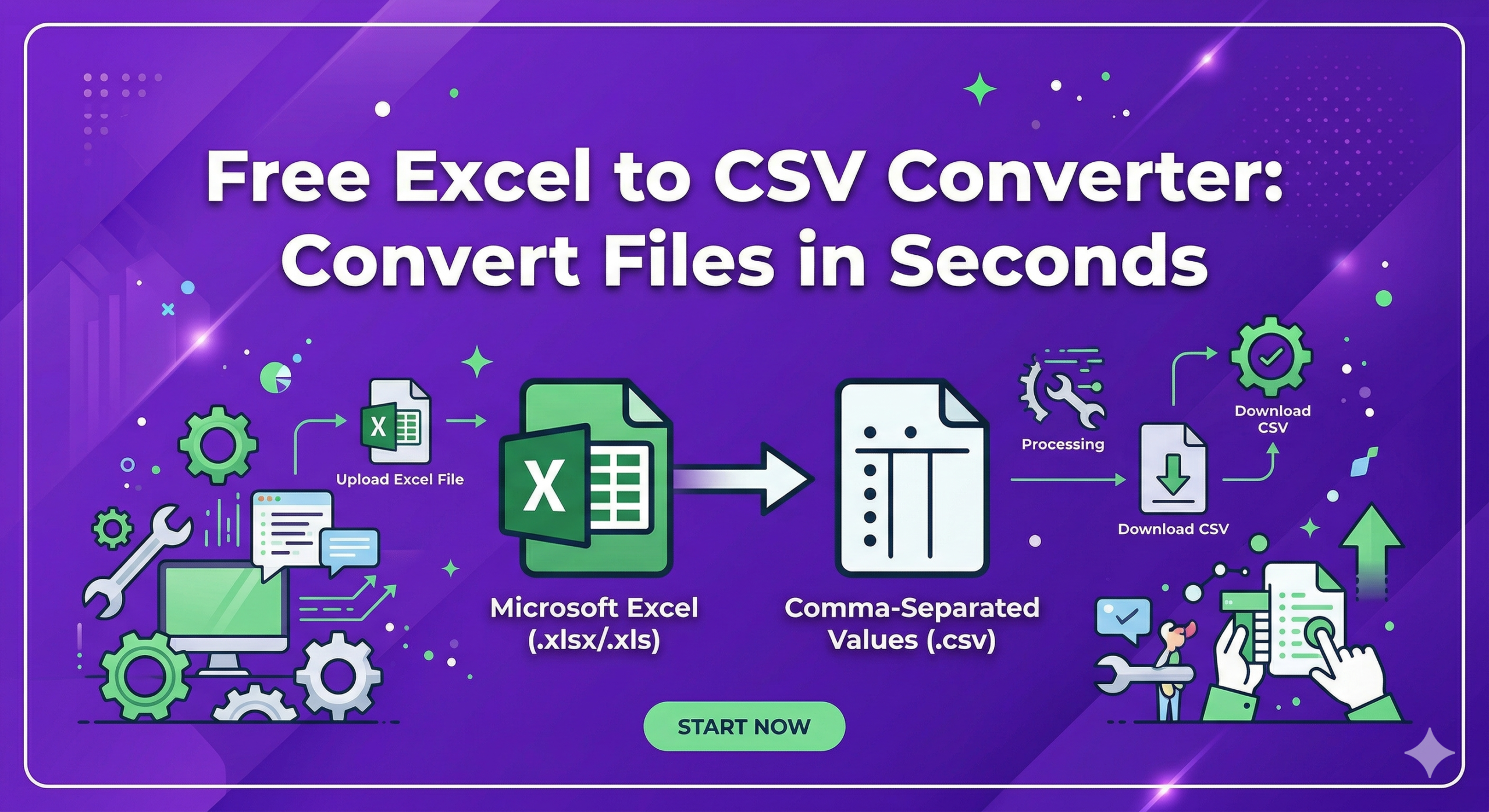
Free Excel to CSV Converter: Convert Files in Seconds
EXCEL to CSV Converter Pro
Convert individual sheets, add custom delimiters, and preview your data—locally, fast, and secure.
Supports .xlsx, .xls • Drag & Drop supported
In 2025, data handling became an essential part of blogging, business, and digital work. Whether you are managing website data, customer lists, or analytics reports, working with spreadsheets is something almost everyone does. However, not all file formats are compatible across different systems.
This is where an Excel to CSV Converter becomes extremely useful. It allows users to convert Excel files into a simpler format that can be used across multiple platforms. In 2026, as data sharing and automation increase, converting files quickly and efficiently has become more important than ever.
If you are a blogger, developer, or digital marketer, understanding how an Excel to CSV Converter works can save time and improve your workflow.
What is an Excel to CSV Converter?
An Excel to CSV Converter is a tool that converts Excel files (usually in .xlsx or .xls format) into CSV (Comma-Separated Values) format. CSV files store data in plain text, making them easy to read and use in different applications.
Tools like Microsoft Excel already allow saving files in CSV format, but converters make the process faster and more flexible.
For example, if you have a spreadsheet with product data, converting it into CSV allows you to upload it into websites, databases, or marketing tools easily.
How Excel to CSV Conversion Works
The conversion process is simple but very useful. Excel files contain structured data with rows, columns, and formatting. When converted to CSV, this data is simplified into plain text separated by commas.
Each row in Excel becomes a line in the CSV file, and each column value is separated by a comma. This makes the file lightweight and easy to process.
For example, a table with names and emails in Excel will become a simple text file where each entry is separated by commas.
This format is widely supported by websites, APIs, and software tools.
Key Features of Excel to CSV Converter Tools
Excel to CSV Converter tools come with several useful features that make them practical for daily use.
One important feature is fast conversion. Most tools can convert files within seconds, even for large datasets.
Another feature is bulk conversion. Some tools allow users to convert multiple Excel files into CSV at once, saving time.
Many converters also support online usage, meaning you don’t need to install software. You can simply upload your file and download the converted version.
Some advanced tools also offer encoding options, which help maintain special characters and formatting in the converted file.
Excel vs CSV (Simple Comparison)
Excel and CSV formats serve different purposes, and understanding their differences is important.
Excel files support formatting, formulas, charts, and multiple sheets. They are ideal for detailed data analysis and editing.
CSV files, on the other hand, are simple text files. They do not support formatting or formulas, but they are lightweight and easy to share.
Excel is best for working with data, while CSV is best for transferring data between systems.
For example, if you are creating a report, Excel is better. But if you want to upload data to a website or database, CSV is the preferred format.
Benefits of Using Excel to CSV Converter
Using an Excel to CSV Converter offers several advantages.
One major benefit is compatibility. CSV files can be used in almost any software, including databases, web apps, and marketing tools.
Another benefit is speed. Converting files reduces complexity and makes data easier to process.
It also helps in automation. Many tools and APIs require data in CSV format, so conversion is necessary.
For bloggers and website owners, CSV files are useful for importing data into platforms like WordPress or email marketing tools.
It also reduces file size, making it easier to share data quickly.
Real-Life Example of Usage
Let’s say you are running a blog and have a list of email subscribers stored in Excel.
If you want to upload this list to an email marketing platform, it may require a CSV file. Instead of manually entering data, you can convert your Excel file into CSV and upload it instantly.
Another example is e-commerce. If you have product data in Excel, converting it into CSV allows you to upload it to your website in bulk.
This shows how useful an Excel to CSV Converter can be in real-world situations.
Challenges and Limitations
Despite its usefulness, Excel to CSV conversion has some limitations.
One common issue is loss of formatting. Since CSV files are plain text, any styling, colors, or formulas in Excel will be removed.
Another limitation is data structure. CSV files do not support multiple sheets, so only one sheet is converted at a time.
Special characters can also cause issues if encoding is not handled properly.
It is also important to check data after conversion to ensure everything is correctly formatted.
Best Practices for Using Excel to CSV Converter
To get the best results, users should follow some simple practices.
Always clean your data before conversion. Remove unnecessary columns and fix errors in Excel.
Check encoding settings to avoid issues with special characters.
Make sure your data does not contain extra commas, as they can break the structure of the CSV file.
After conversion, open the CSV file in a text editor or spreadsheet tool to verify accuracy.
These steps help ensure smooth and error-free conversion.
Importance of Excel to CSV in 2026
In 2026, data sharing and automation are growing rapidly. Many platforms require data in simple formats like CSV.
Excel to CSV conversion plays an important role in connecting different systems. It allows users to move data easily between tools.
It is also important for developers who work with APIs and databases.
For bloggers and digital marketers, CSV files are used in SEO tools, analytics platforms, and email marketing systems.
This makes Excel to CSV conversion a basic but essential skill in the digital world.
Future of Data Conversion Tools
Data conversion tools are becoming smarter and more efficient.
In the future, we can expect AI-powered converters that automatically clean and optimize data during conversion.
Cloud-based tools will become more popular, allowing users to convert files from anywhere without downloading software.
Automation will also increase, where files are converted automatically as part of workflows.
Integration with platforms like websites, CRMs, and analytics tools will make data transfer even smoother.
Overall, Excel to CSV conversion will remain an important part of digital workflows.
Conclusion
An Excel to CSV Converter is a simple yet powerful tool that helps users manage and transfer data easily. It converts complex Excel files into lightweight, compatible CSV formats that can be used across multiple platforms.
While it has some limitations like loss of formatting, its benefits make it essential for bloggers, developers, and businesses.
If you work with data regularly, learning how to use an Excel to CSV Converter will save time, improve efficiency, and make your workflow smoother.